Version 3/4 or 5?? NoteMe update
Launch my first mobile app on the Google Play store 3rd year student at Yoobee college with Bachelor's Degree in Software Development.
I have an interest in tackling a wide range of programming challenges. I enjoy working on some project with React, JavaScript, and Typescript, and I've also learned C++ for the backend projects. During my learning period, I took some of the Cloud courses like AWS Cloud fundamental and Microsoft Azure AI to get an idea for these two cloud platforms. During my semester break, I created my first mobile application by using the Flutter framework which makes me understand Dart language. The main reason the app is born was because I wanted to solve my problem and create an easy UX/UI "NOTEPAD" compare to other mobile app around the store.
My work mainly focus on Object-oriented programming (OOP) technique because I truly understand OOP programming code easy to maintain and organized. During my practice, I always maintain DRY (Don't repeat yourself) method in my work. I am also enjoy applied Agile methodology because I believe that divided project into smaller part able to get customer feedback immediately and make changes when needed.
Done two official certification, which is AWS Cloud fundamental and Microsoft Azure Ai fundamental
After launching version 2, I found a terrible BugSSSSSs!!
After searching the note from the text field, the user does a swap left action. It pops up the Animation Dialog, but the user is unable to press anything but to return a null error.
Solution: Debugging the task step by step to find where is the problem happening.
Found out that when TextField is active, the notes are null unless I disable the TextField. After some thinking, I did a method that is when the TextField is active and with text, then the user clicks other places. TextField will unfocus it. This works on the onLongpress and tab event. But the dismissible function is not working. The bug still happens ~~ T.T At the same time I have the problem that the user needs to click twice to view the note description. Usually just need one click. Bad UX, bad bad bad.
I believe that, when this door is closed, another door will open. All of a sudden I thought maybe I can add an overlay to the notes area to disable the Notes, at the same time user tapped on the overlay to activate the notes. Then another click is open the note description. (Such a relief)
Some changes are made in UX UI and launch my version 3/4 or 5? I guess I messed up with the launching number. Anywhere, we assume this is version 5.
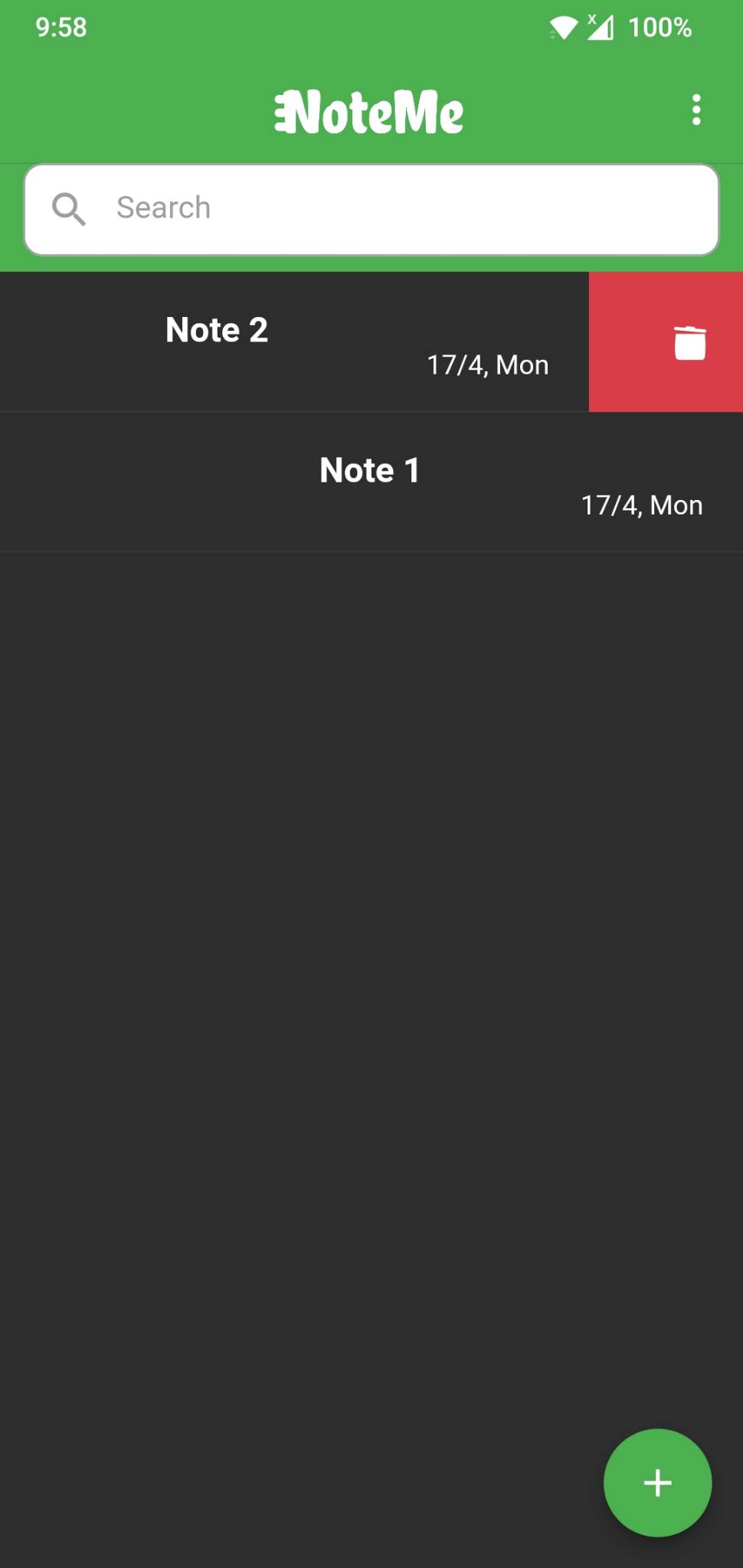
1) Animated Icon for swap edit and delete icon to create more UX.
2) Remove the card to make it better at UI
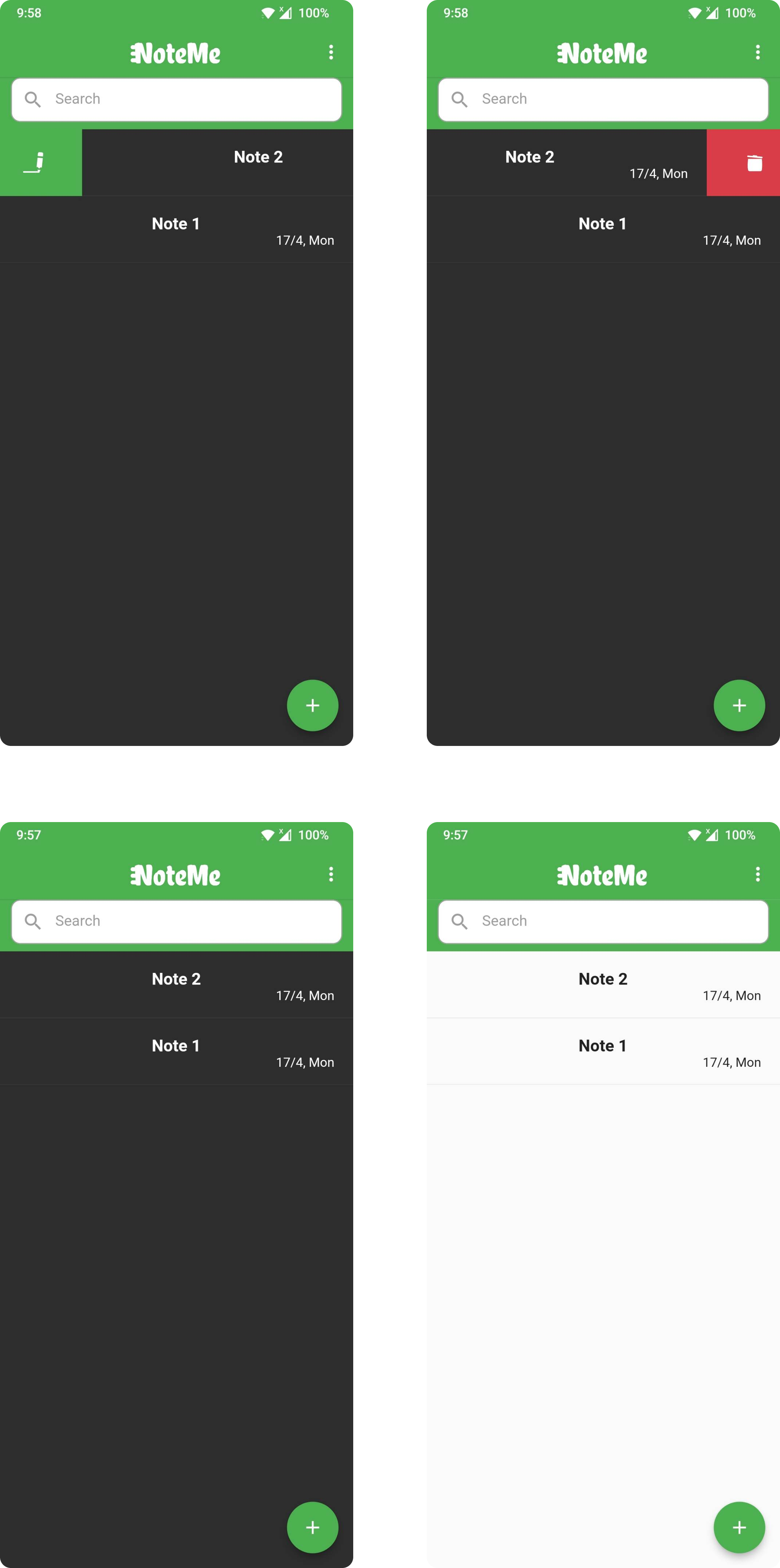
After launching this version, I found an interface issue immediately. The space between the app bar and the search box has a tiny line. It's not obvious, but it's too annoying to me.
Update next round~ cheers!